
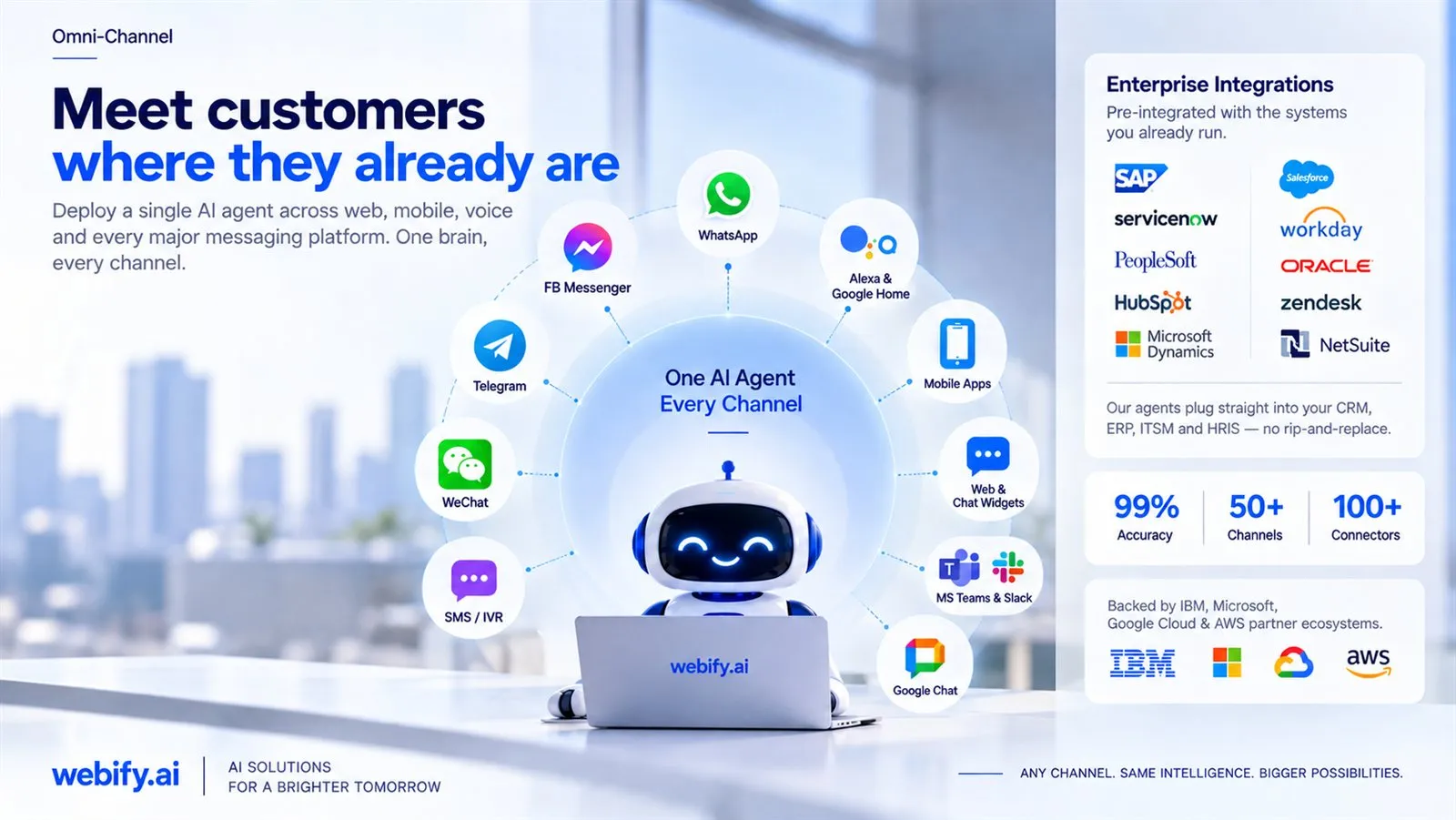
Meet customers where they already are
Deploy a single AI agent across web, mobile, voice and every major messaging platform. One brain, every channel.
Pre-integrated with the systems you already run
Our agents plug straight into your CRM, ERP, ITSM and HRIS — no rip-and-replace.
How does one AI agent work across every channel?
The agent's logic is separate from the channel. The same knowledge, rules and tools sit behind web chat, WhatsApp, email, voice and Teams, so a customer gets the same answer wherever they ask. Customers are matched by phone number, email or account ID, so their history follows them between channels.
Each channel still needs its own connection and its own testing, because people write differently in a chat window, an email and a phone call. Most teams launch on their busiest channel first and add the others once it runs well.
What does each channel need on your side?
An account in your company's name for each channel, and the access to connect it. Web chat needs a small script on your site; WhatsApp needs a WhatsApp Business Platform account; voice connects to your existing number or contact-centre platform; Teams and Slack need an app approved by your IT admin.
| Channel | What you provide | Worth knowing |
|---|---|---|
| Website chat | A script added to your site | Styled to your brand; can open on chosen pages only. |
| A WhatsApp Business Platform account and number in your company's name | Business-initiated messages outside WhatsApp's 24-hour reply window need pre-approved templates. | |
| Access to the shared inbox or help desk | Can start in draft-only mode, with a person approving every reply. | |
| Voice and phone | Your existing number or contact-centre platform | Callers dial the same number as before; transfers go to your team with a summary. |
| Microsoft Teams and Slack | An app approved by your IT admin | Suits internal agents, such as HR, IT or policy questions. |
| SMS | Your existing SMS provider | Best for reminders and short updates rather than long conversations. |
Channel rules are set by each platform and change over time; we check the current terms for your accounts during discovery.
How does the agent connect to your CRM, help desk and ERP?
Through each system's API, one tool per action, using accounts with the least access that works. Looking up an order, updating a ticket and booking a slot are separate tools with separate permissions, each tested on test data before it touches live records.
Systems we connect to this way include Salesforce, HubSpot, Zoho and Microsoft Dynamics for CRM; Zendesk and ServiceNow for service desks; SAP, NetSuite and Oracle for ERP; Workday for HR; and SharePoint, Confluence and Google Drive for documents. A system without an API can often be reached through scheduled file exchange instead.
Each extra system adds testing and more ways to fail, so a first agent usually connects to one or two. More are added once those run well. See how agents are built on AI agents.
How does the agent hand a customer over to a person?
When the customer asks, when the agent is not confident, or when the conversation turns negative, it passes the case to the right team with the conversation, what it tried and what it found. The handover goes into your existing help desk or contact-centre queue, so your team works where it already works.
- The customer is told they are talking to an AI, and can ask for a person at any point.
- Sensitive topics, complaints and low-confidence answers can be routed to a person by rule.
- Every action the agent takes is logged against the case.
Frequently asked questions
Can we start with one channel?
Yes, and most teams should. Launch on your busiest channel, measure it, then add the next one using the same knowledge and rules.
Does a customer have to repeat themselves when they switch channels?
Not when the channels share customer identifiers. Matching by phone number, email or account ID lets the agent see earlier conversations.
Which languages can the agent use?
Most large language models handle many languages, but quality varies. We add test cases in each language you need, so gaps show up before customers find them.
Do we need to replace our help desk or CRM?
No. The agent works with the tools you already run and writes its notes and actions back into them.
Can the agent make outbound messages and calls?
Yes, for reminders, confirmations and follow-ups, within each channel's rules and your consent settings. Outbound messages can require a person's approval before they are sent.